02 /
Make the details yours.
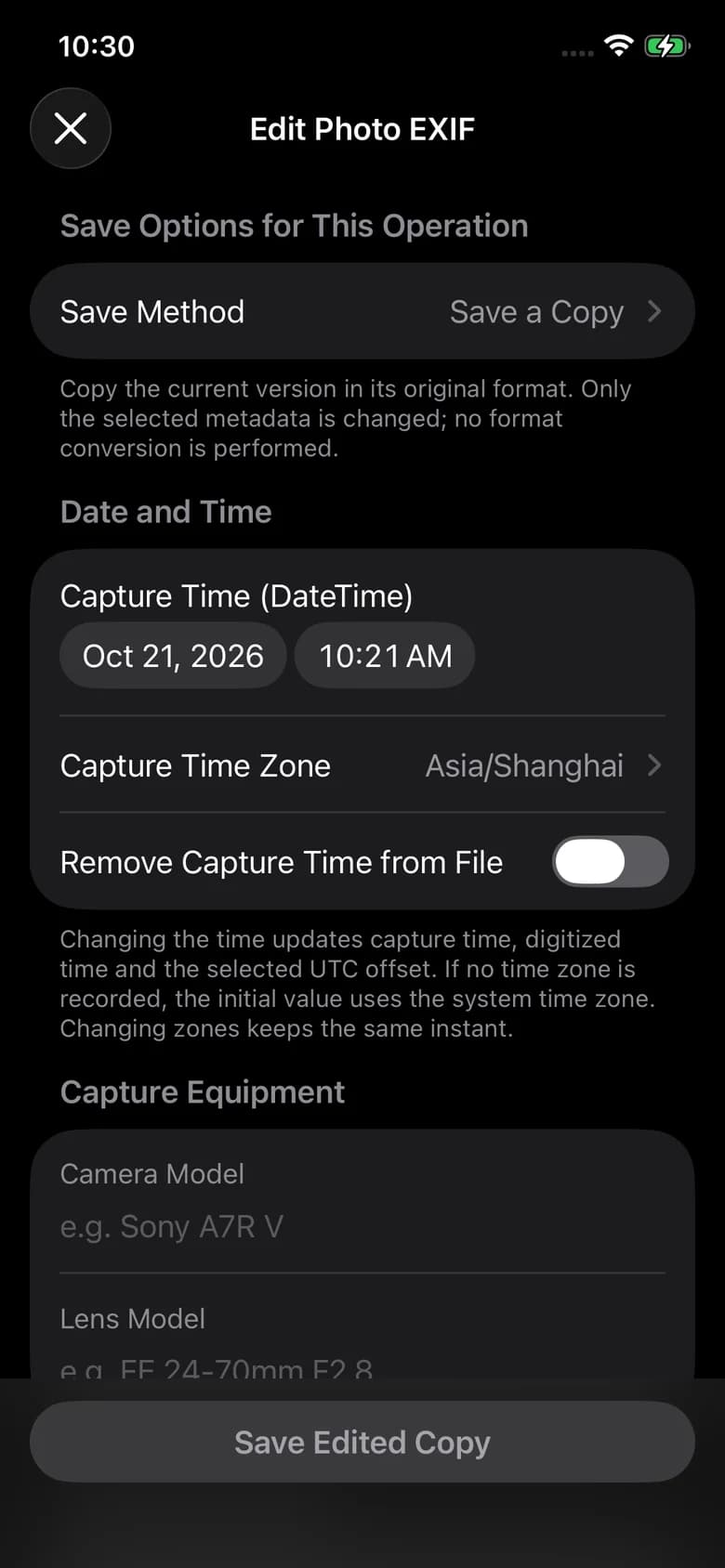
Correct dates, time zones and GPS. Add a title, keywords or copyright. Apply changes to one photo or a selection with batch editing.
 AnyEXIF / iPhone & iPad
View camera settings. Correct a date or location. Choose which information travels with your photos. AnyEXIF brings photo metadata tools to iPhone and iPad.
iOS 17+ · iPadOS 17+
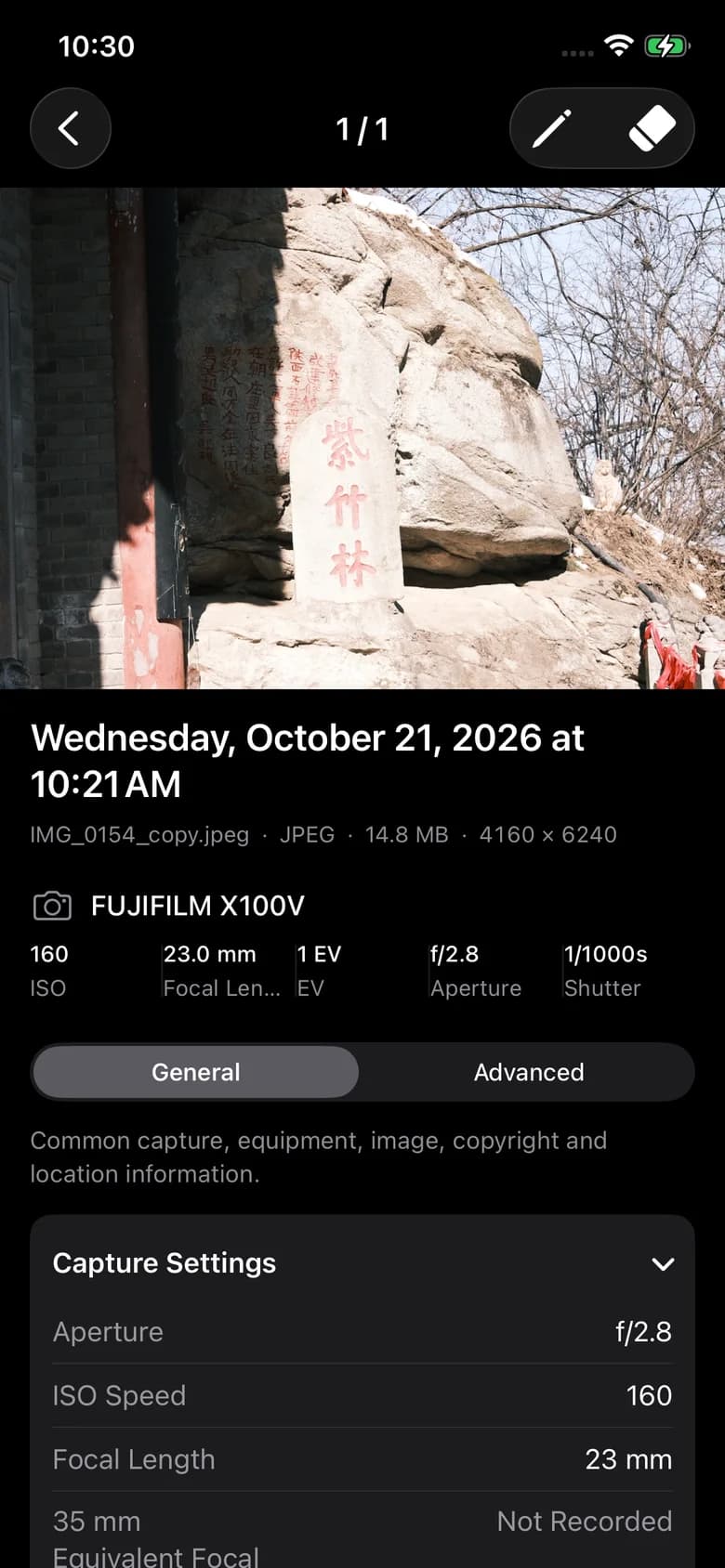
Open a photo to inspect its camera, lens, exposure, capture time and available location information. Browse your photo library or folders you choose.
Correct dates, time zones and GPS. Add a title, keywords or copyright. Apply changes to one photo or a selection with batch editing.
Choose the metadata categories to clean, then process your selection together. Save a copy to keep the original available.
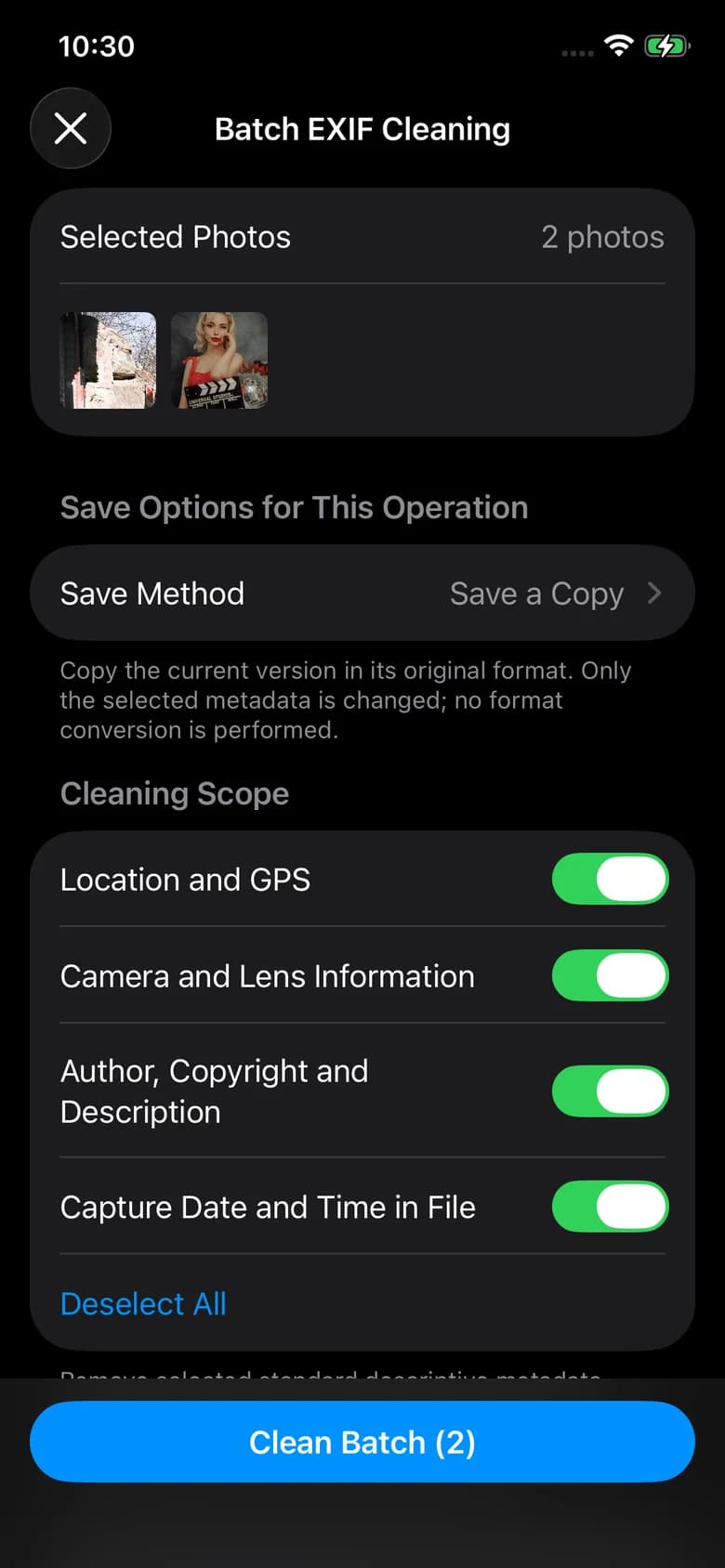
iPhone screenshots show the localized app interface. The iPad screenshot is in English.
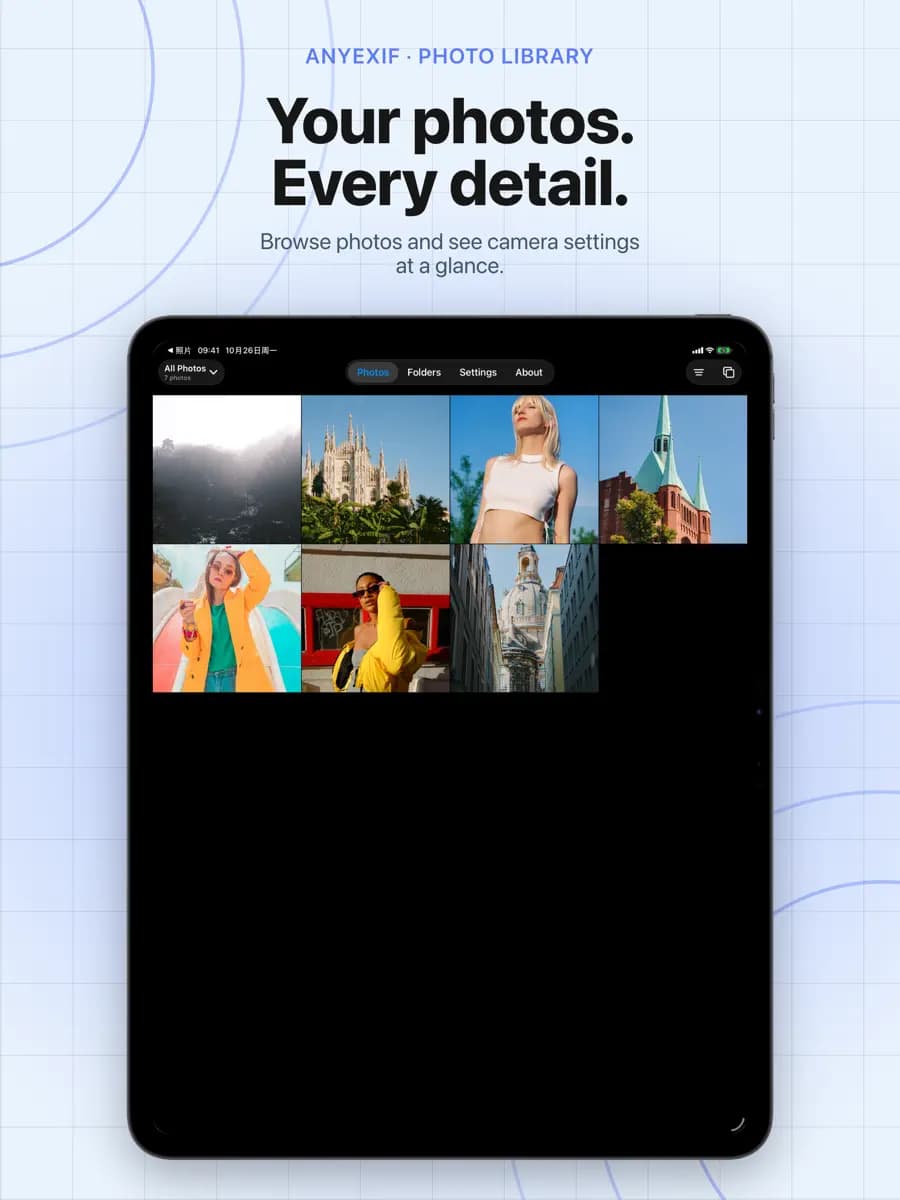
Browse, select and work through photos on iPad. Photos and Folders give you two familiar ways into your collection.
Edit and clean JPEG, HEIC/HEIF and PNG. Other readable formats are view-only. RAW editing and video processing are not supported.
Choose Save a Copy to keep the source. Update Original replaces folder file contents; keep your own backup. Photos may offer Revert to Original, which reverses content edits beyond the latest metadata change.
Editing or cleaning produces a still photo after confirmation. Saving a copy leaves the original Live Photo unchanged.
Only selected metadata categories are removed. Necessary orientation, colour and image structure remain. Visible text or locations within the picture are unchanged. Download iCloud-only photos in Photos first.